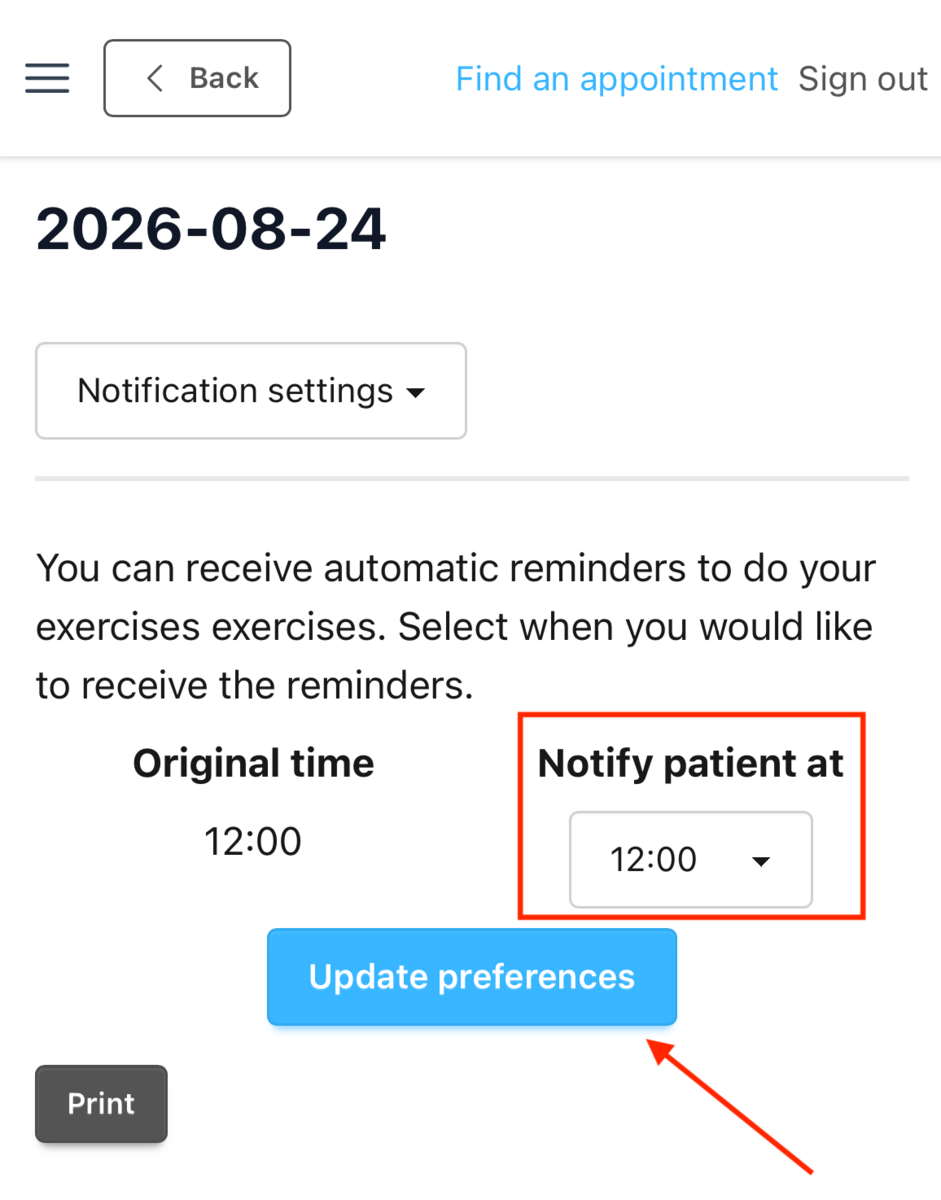
Embodia for Patients - Changing notification times
Where reminders are delivered
Push notifications (reminders) require the use of an Embodia app rather than a browser session. There are two possible delivery routes:
- The Embodia mobile app: available for Android and Apple
- A clinic-branded Progressive Web App (PWA): an installable, branded extension of the Embodia (available only if your clinician has one enabled)
When a practitioner prescribes exercises, they set how many times they would like them done per day. This sets how many times patients will receive reminder notifications.
Changing Notifications as a Patient
Patients can change their own reminder times at any time. Share the steps below when a patient asks, or set expectations during the initial prescription so they know the schedule is theirs to adjust.
In the Embodia mobile app
- Open the Embodia app and select the menu icon (three horizontal lines).
- Select Settings.

- Select Notification settings.

- If more than one program is active, select the program to adjust.
- Set the preferred reminder time or times. The number of reminders per day reflects the frequency prescribed by the practitioner.
In a clinic-branded PWA
- Open your clinic's app and select the menu icon (three horizontal lines).
- Select My performance, and then the program to be adjusted
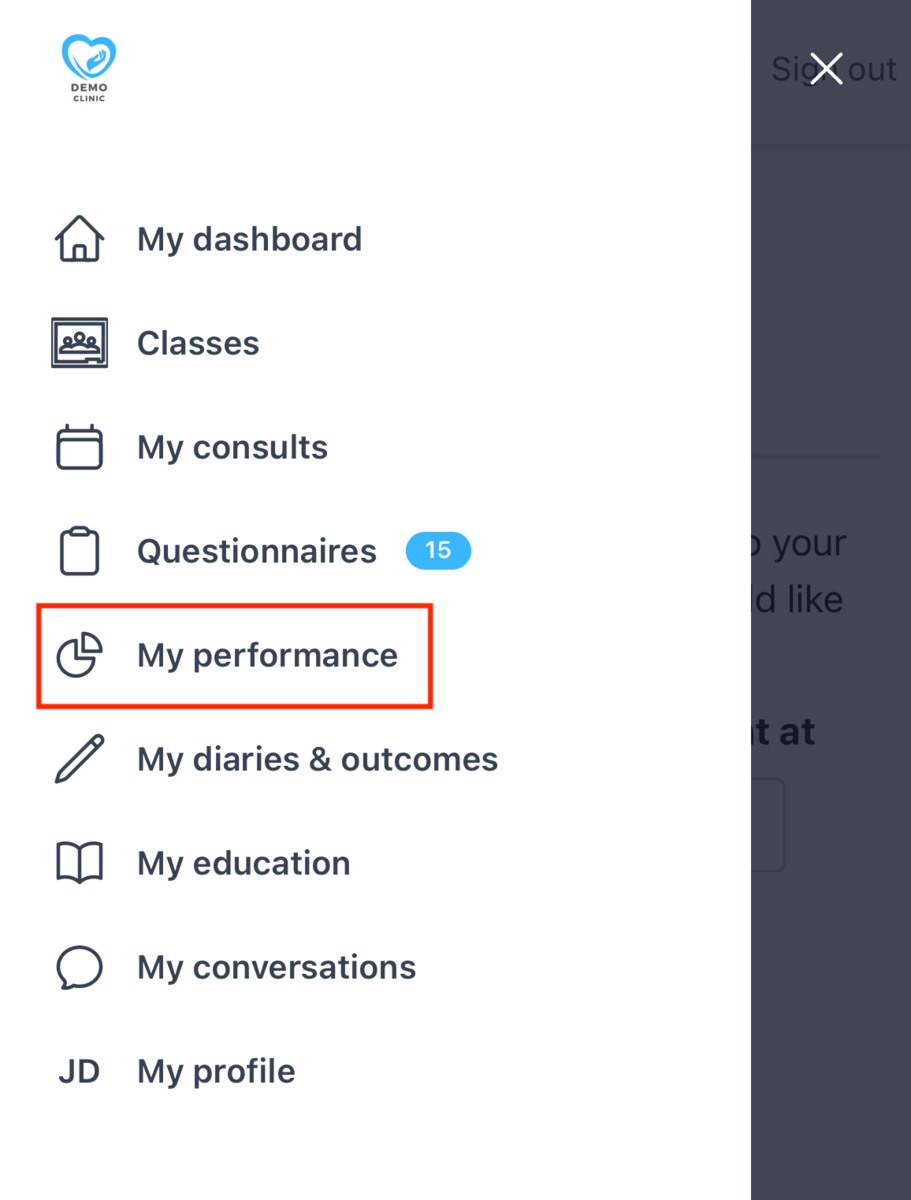
- Select the program you want to adjust.
- From the drop down menu select Notification settings
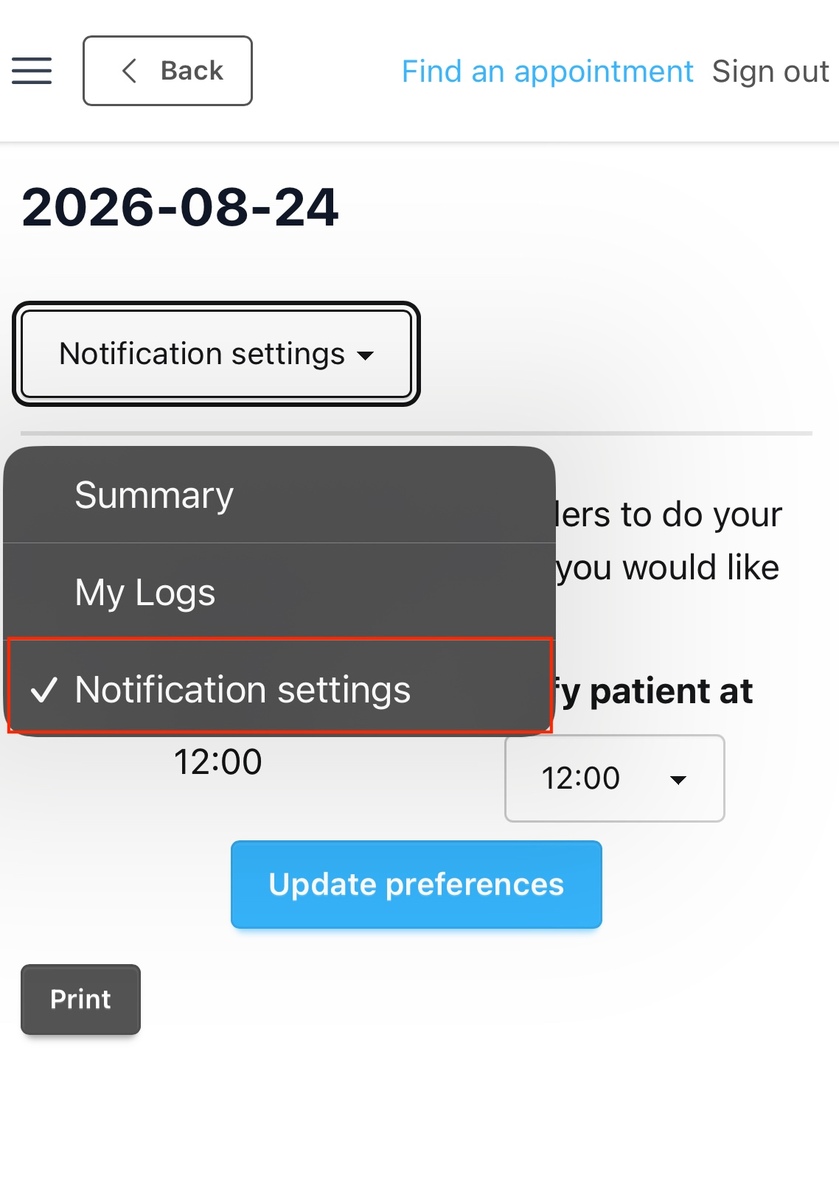
- Select the time you'd like to be notified and then click Update preferences